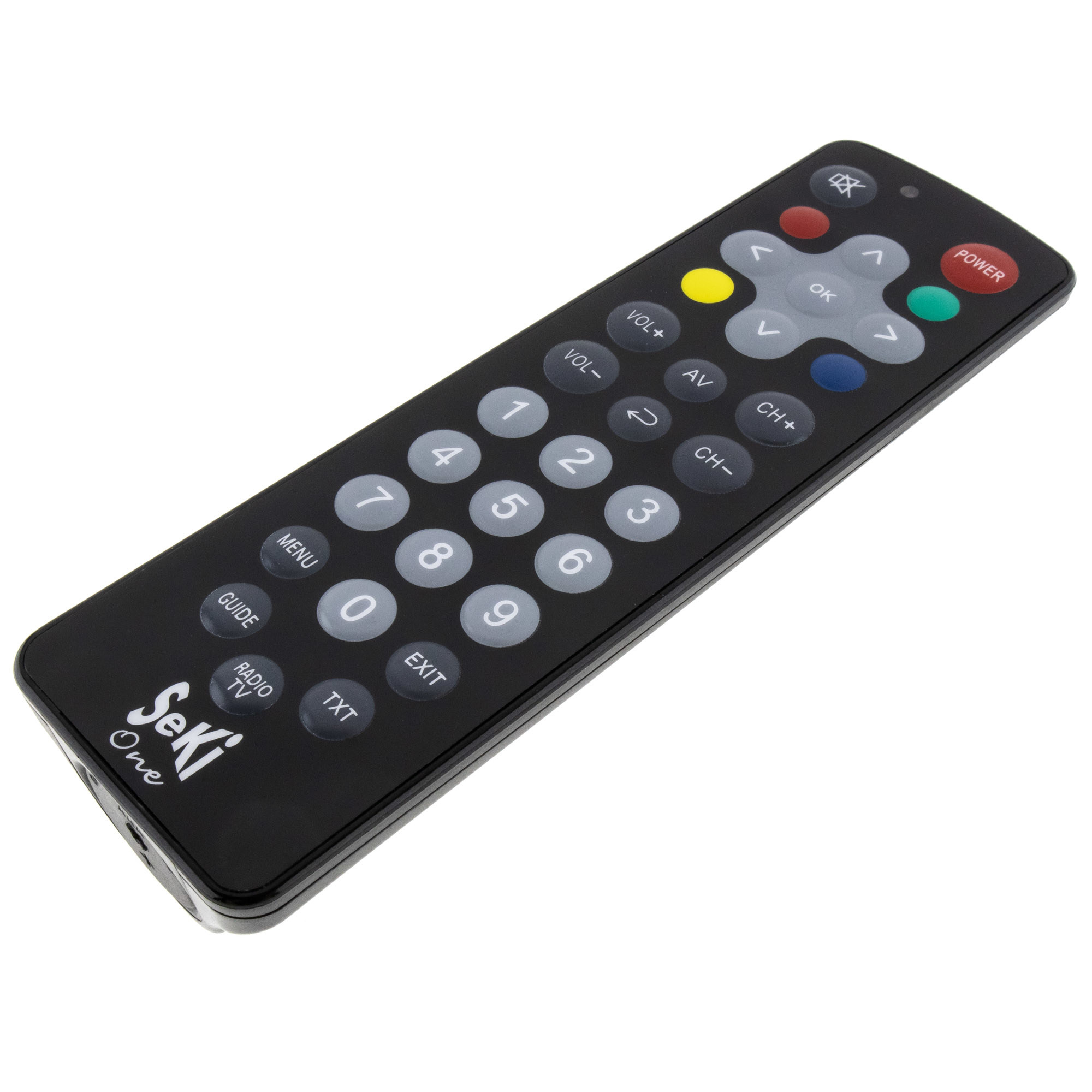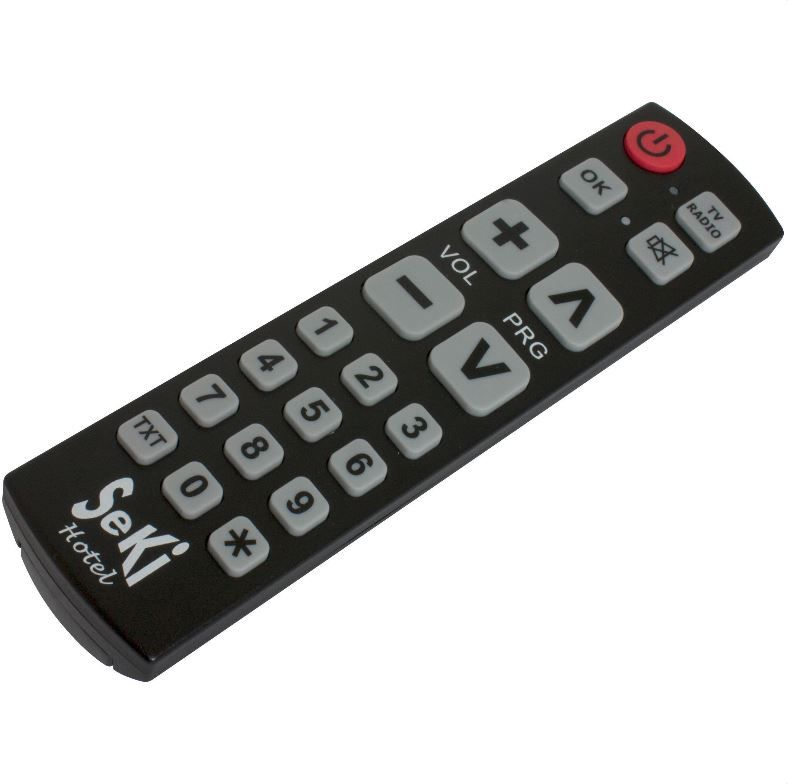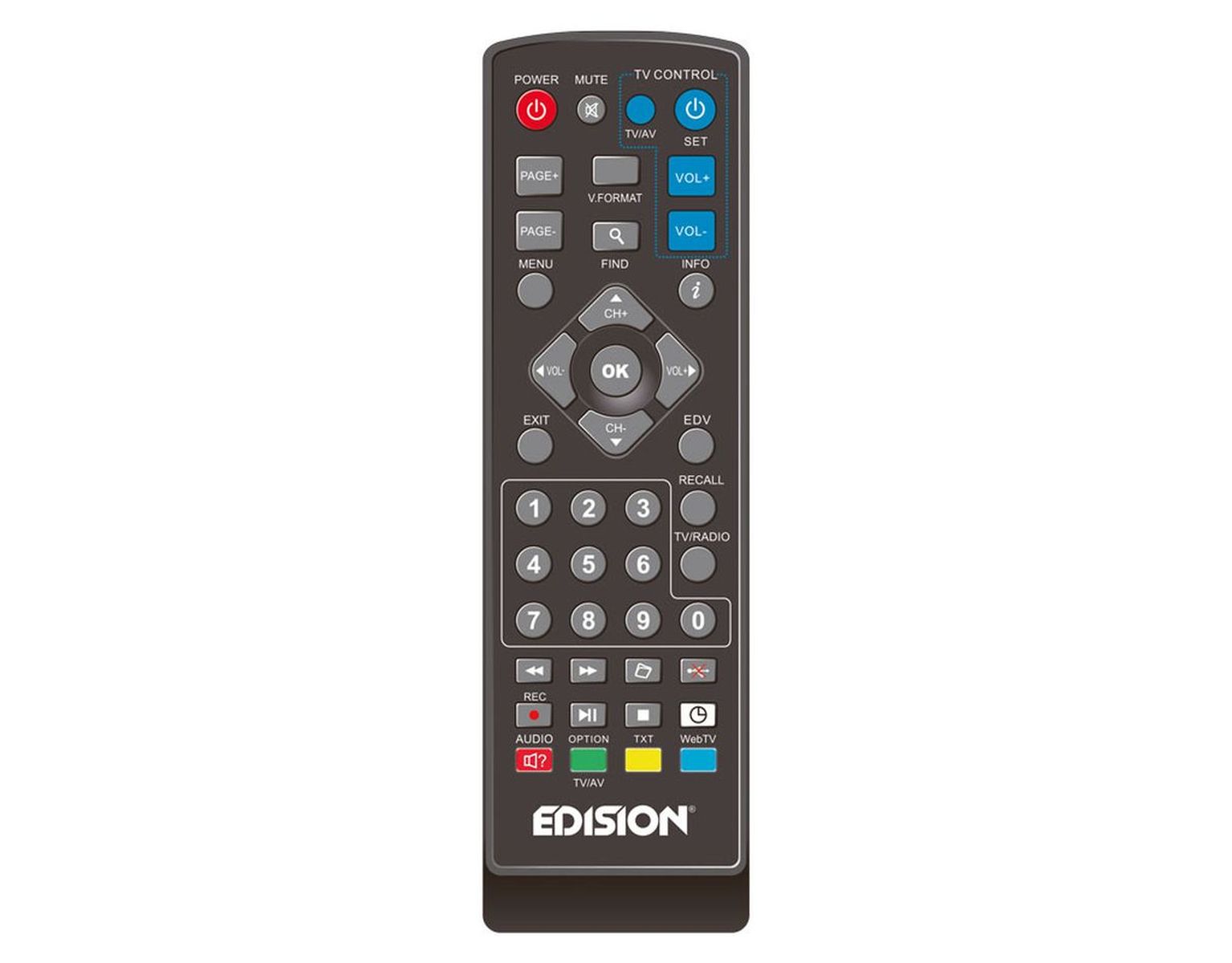
EDISION infrared remote control 2-in-1. Compatible with the following EDISION receivers and 4 other pre-programmed TV types. In addition, the remote control can be individually programmed to most TV systems thanks to its learning function
– progressive nano
– progressive nano plus
– progressive nano plus LED
– hybrid
– hybrid lite
– hybrid lite LED
– triton Τ2
– proton T265
– proton T265 LED
– proton
– proton LED
– picco S2
– picco T2
– picco Cable
– picco T265
– proton S2
This is how you program the universal keys on your remote control:
Press and hold the SET button in the top right area for 4 seconds continuously until the indicator light stays on. Release the button; the remote control is ready to copy instructions.
• Press the button on which you want to copy a function within 10 seconds. e.g. TV POWER button. The red indicator light will then light up and is thus ready to store a function.
• Point the “eye” of the base remote control at the “eye” of the new remote control at a distance of 2-3 cm
• Press any button you want to copy on the base remote control, e.g. POWER, for 3 seconds. If the indicator light on the new remote control flashes 3 times quickly, this means that the function SAVE ON and OFF TV has been successfully stored on the receiver’s remote control.
Now you can release the TV ON and OFF button. If the process fails, the red light will turn on and off and then remain off. In this case, repeat the process. Repeat the above process for the following functions:
• Switches between TV/AV mode (TV/AV)
• Adjusting the volume [VOL+, VOL-] Now you can use the universal remote control for the following 4 functions: